The problem: the outfit was cute, but the background was not. Get a free background remover for outfit photos!
Every traveler knows this exact photo. The outfit is perfect — you planned it around the destination and everything. But the only picture you managed to get is in front of a hostel bunk bed, a cluttered airport gate, or a wall of bins that somehow made it into every single frame.
The outfit deserves better.
And if you post travel content — outfit-of-the-day shots, packing posts, “what I wore in Lisbon” carousels — you need it to look better, because a messy background quietly kills an otherwise great photo.
The obvious fix is a background remover: cut yourself out, drop the outfit onto a clean backdrop, or a prettier scene.
But the online tools all play the same game — upload your photo to their server, get a watermarked preview, run out of free credits three photos into your trip recap.
That’s why I tested Creative Fabrica’s new desktop app, which includes an offline background remover that runs on your own laptop — free, no uploads, no credits.
What is Creative Fabrica Studio Desktop?
It’s a free Windows and Mac app that pairs Creative Fabrica Studio (a design editor) with local AI models you install on your computer.
Once a model is downloaded, supported tools — background removal, image upscaling, image generation, and text-to-speech — can run directly on your machine rather than relying solely on cloud processing.
There’s no paid account or credit card required to use the free tools.
Free AND local? Usually, you get one or the other. So I installed it.
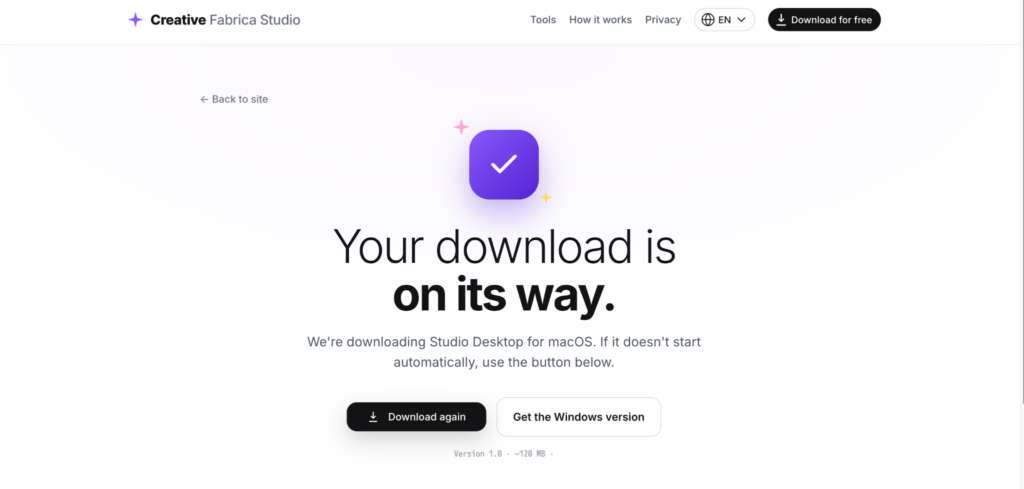
So, here is what it looks like after I installed it on my desktop for free. You get access to the tools immediately.
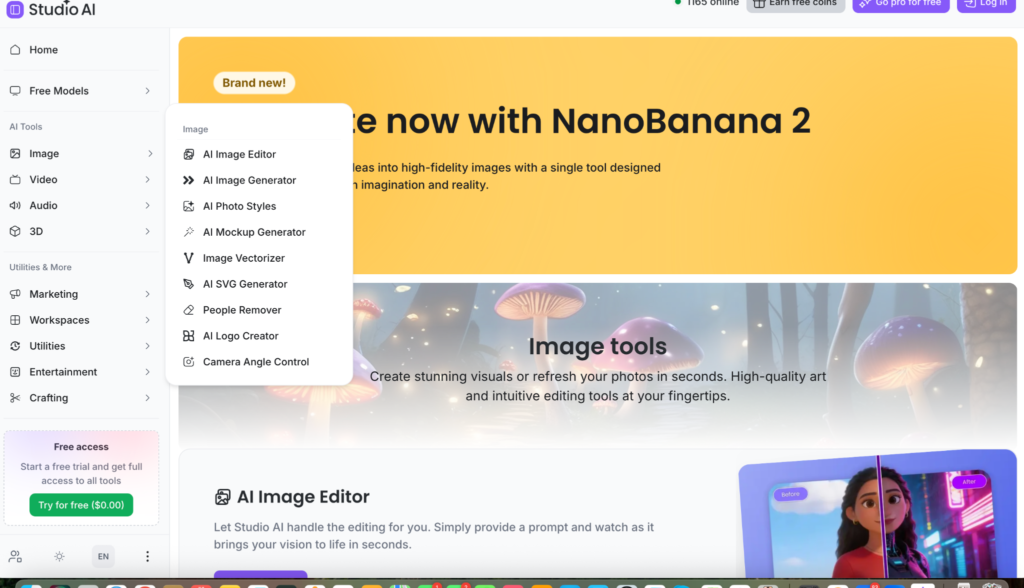
Why a local background remover is perfect for outfit photos
- Your photos stay on your laptop. Nobody’s uploading their entire trip camera roll — including all the outtakes — to a mystery server.
- No credits. Outfit content is iterative: you cut out five versions before one looks right. A per-image fee punishes exactly how this actually works.
- No watermarks or “pay to download in HD” tricks. The cutout you make is yours, full quality.
- Bad hotel wifi doesn’t matter. After the models are installed, supported tools run on your machine.
One thing to know upfront: it removes everything behind you. That’s the point for outfit shots — but if you love the background in a photo, that’s not the photo to use this on.
Hands-on: rescuing an outfit photo from a messy background
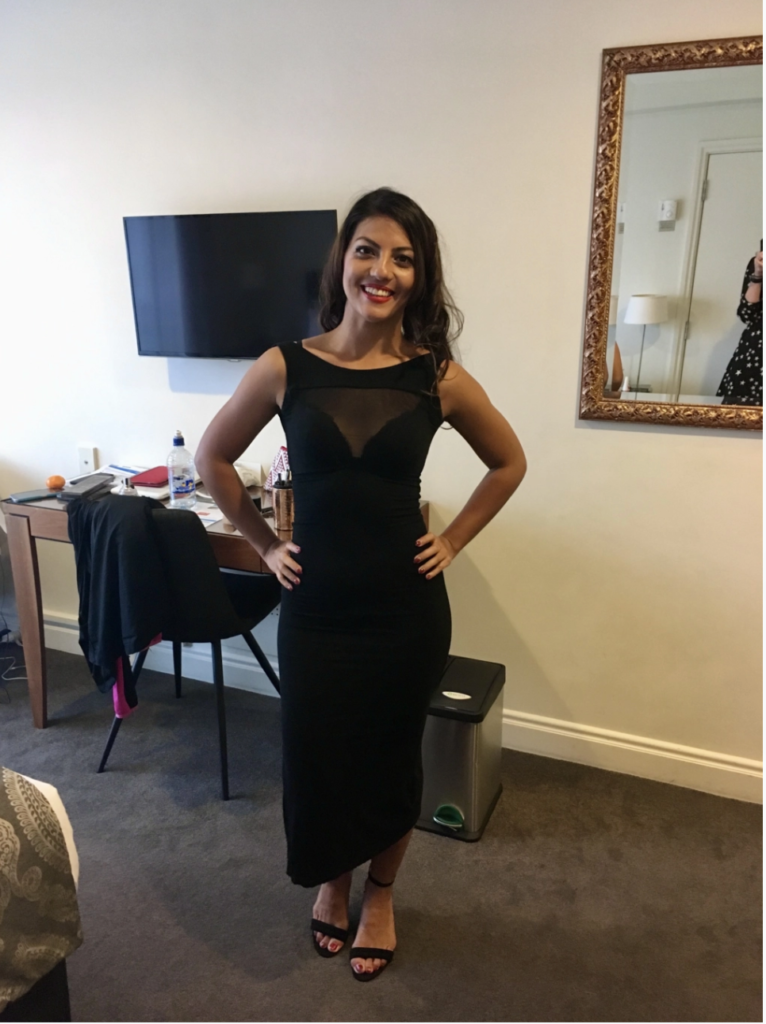
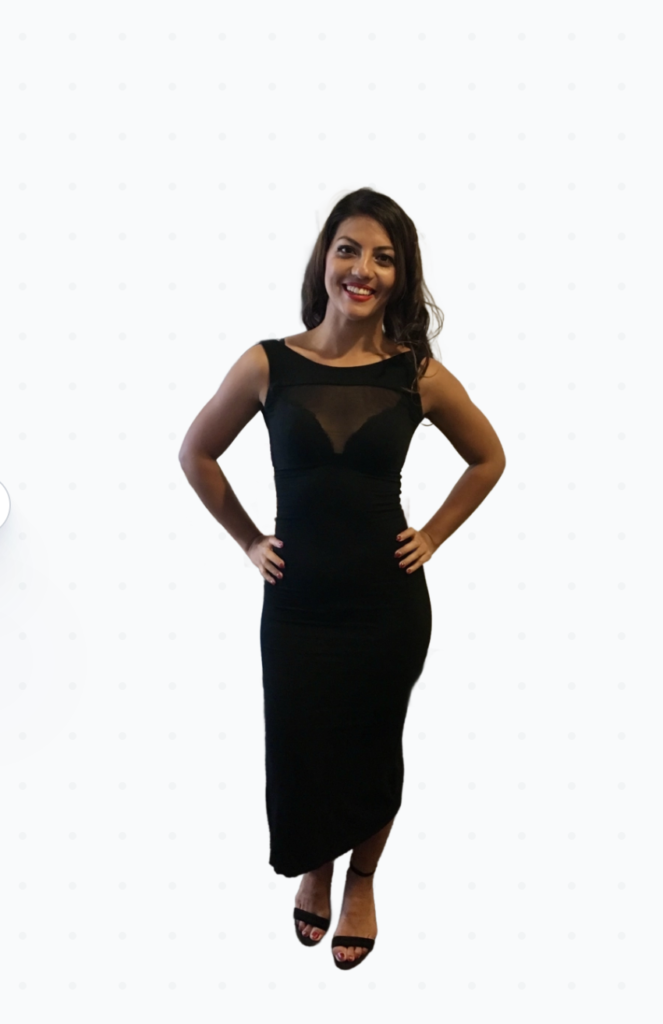
I grabbed a photo of me at a party in Lisbon in a messy hotel room, and I needed the background removed, so I put it through the wringer:
I clicked on the Free Models tab, then Background Remover
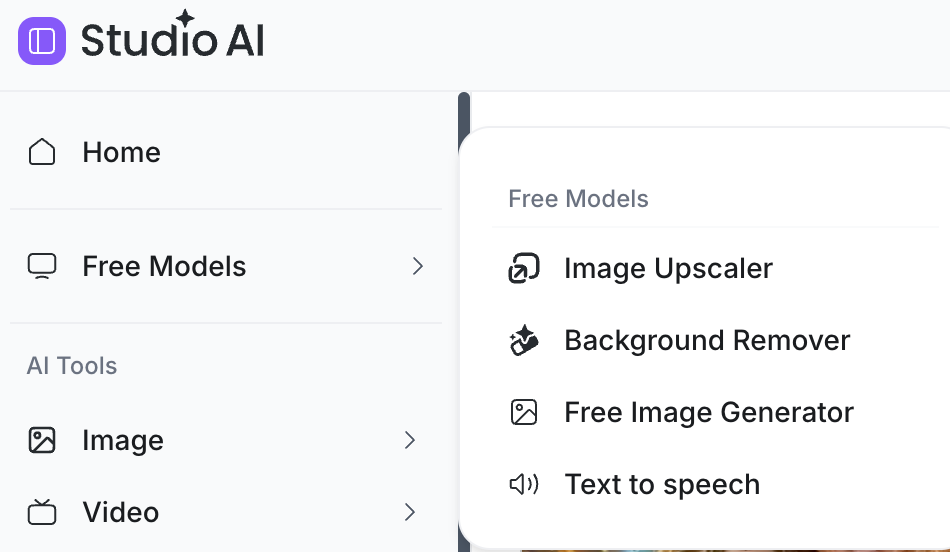
I was expecting it to take ages to remove the background (I’ve used plenty of AI tools before), but it only took a few seconds and did a surprisingly good job around the edges.
This is the before and after result, nifty, eh!
Who is it best for?
- Travel and fashion content creators doing outfit posts, packing guides, and lookbooks
- Anyone whose best outfit photo has the worst background
- Pinterest and Instagram creators building clean, cohesive feeds
- Budget travelers who’d rather spend subscription money on the actual trip
Pros and limitations
Pros:
- Free local background removal, no credits or watermarks
- Windows and Mac versions
- Cutouts export as transparent PNGs, you can place on any backdrop
- Wifi-independent after setup
Limitations:
- It removes the whole background — it’s a cutout tool, not a “remove just the bins” tool
- Performance depends on your laptop — lightweight travel machines may be slower
- Models must be downloaded before first use — do it on good wifi before your trip
- Tricky edges (hair, sheer or flowy fabric) are the hardest test
- Some features may still require internet or a Creative Fabrica account
FAQ
Is Creative Fabrica Studio Desktop free?
Yes — free to download and use on Windows and Mac, no credit card.
Does the background remover work without an internet connection?
After the model was installed, it ran on my laptop. You need a connection for the initial downloads.
Can it handle photos of people?
Yes — that’s exactly what I tested.
Can I put myself on a different background?
Yes — you get a transparent PNG and can place it on any backdrop inside Studio, including your own travel photos.
Are my photos uploaded anywhere?
With the supported local tools, my photos were processed on my machine, not uploaded.
Does it work on Mac? On Windows?
Both — I tested on a Mac
Bottom line
Never let a hostel bunk bed ruin a good outfit again.
A free AI image upscaler for Mac and Windows with a built-in local background remover means you can cut yourself out of any messy shot and give the outfit the backdrop it deserved — no uploads, no credits, no watermarks.
Set it up before your next trip and your “what I wore” posts will thank you.